 SilverAI
Remove masked objects from video at a lower cost, with reusable tracking results and five-second previews.
Remove Object Video Normal removes selected people and objects from video footage, helping creators clean up scenes and keep attention on the main subject. It uses a mask to identify the unwanted content and reconstructs the area it occupied. The model is a lower-cost option for everyday edits such as removing distractions from travel clips, lifestyle content, and product videos.
For moving objects, Object Track Video can prepare a selection that follows the subject throughout the footage. You can also use an existing mask that matches your video. Normal is suited to routine cleanup, while Remove Object Video Pro offers better output quality for both general and complex scenes.
Selected-object removal: Removes the content identified by your mask while keeping the rest of the scene available for the edit.
Moving-object cleanup: Uses a mask that follows an unwanted subject across the footage.
Tracking compatibility: Works with selections prepared by Object Track Video.
Flexible mask preparation: Supports existing masks from your own editing workflow.
Short previews: Lets you review up to the first five seconds before deciding to process the full clip.
Lower-cost processing: Offers an economical option for routine video cleanup.
Save up to 70% vs direct pricing
Aggregated volume discounts.
Everyday Video Cleanup
Clean up everyday footage for creators, editing teams, and commercial content libraries.
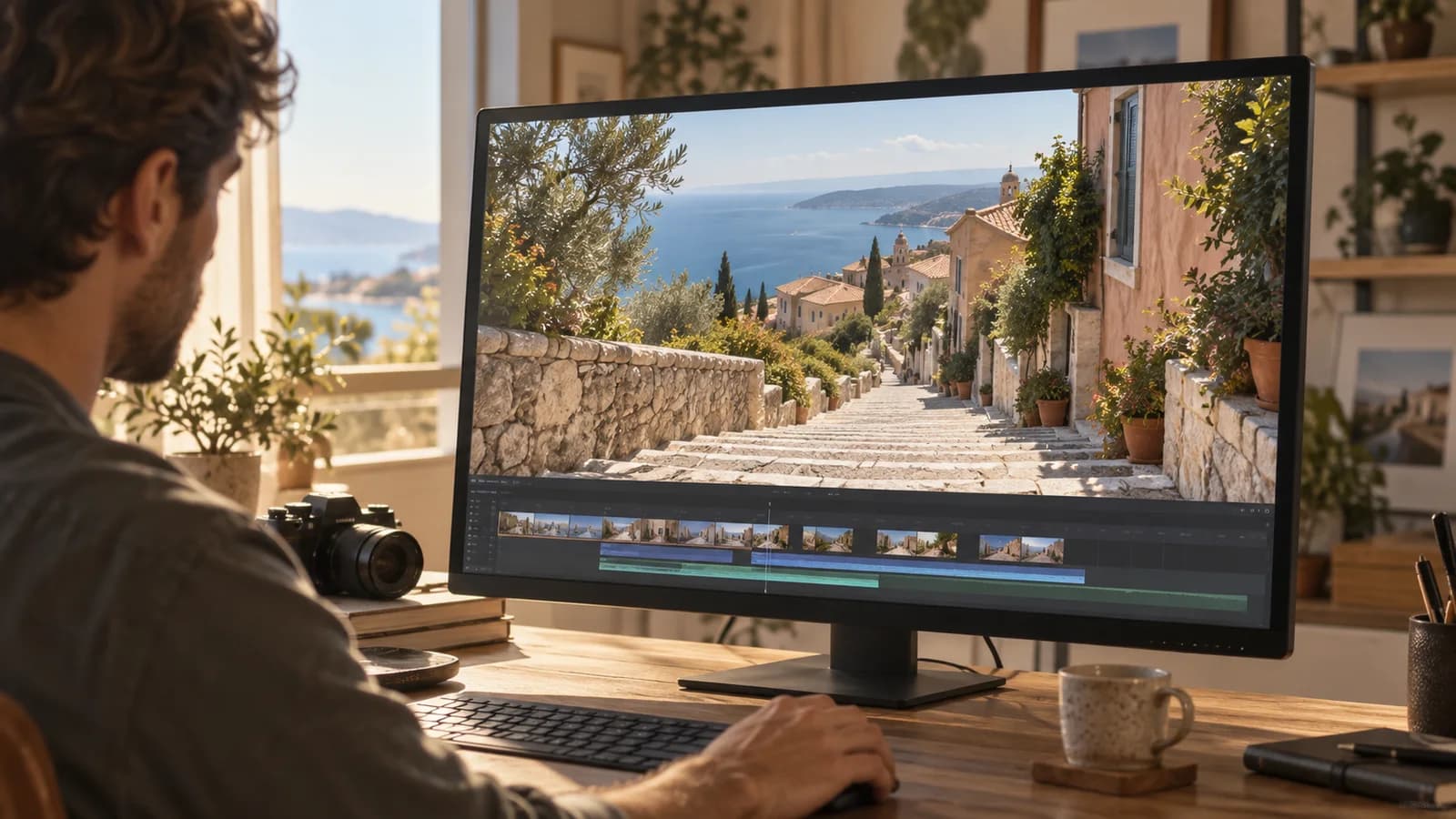
A stray object or unwanted person can distract from an otherwise useful shot. Normal helps creators clean up selected areas of their footage so the main subject remains the focus, making it useful for social posts, personal projects, and short promotional clips.
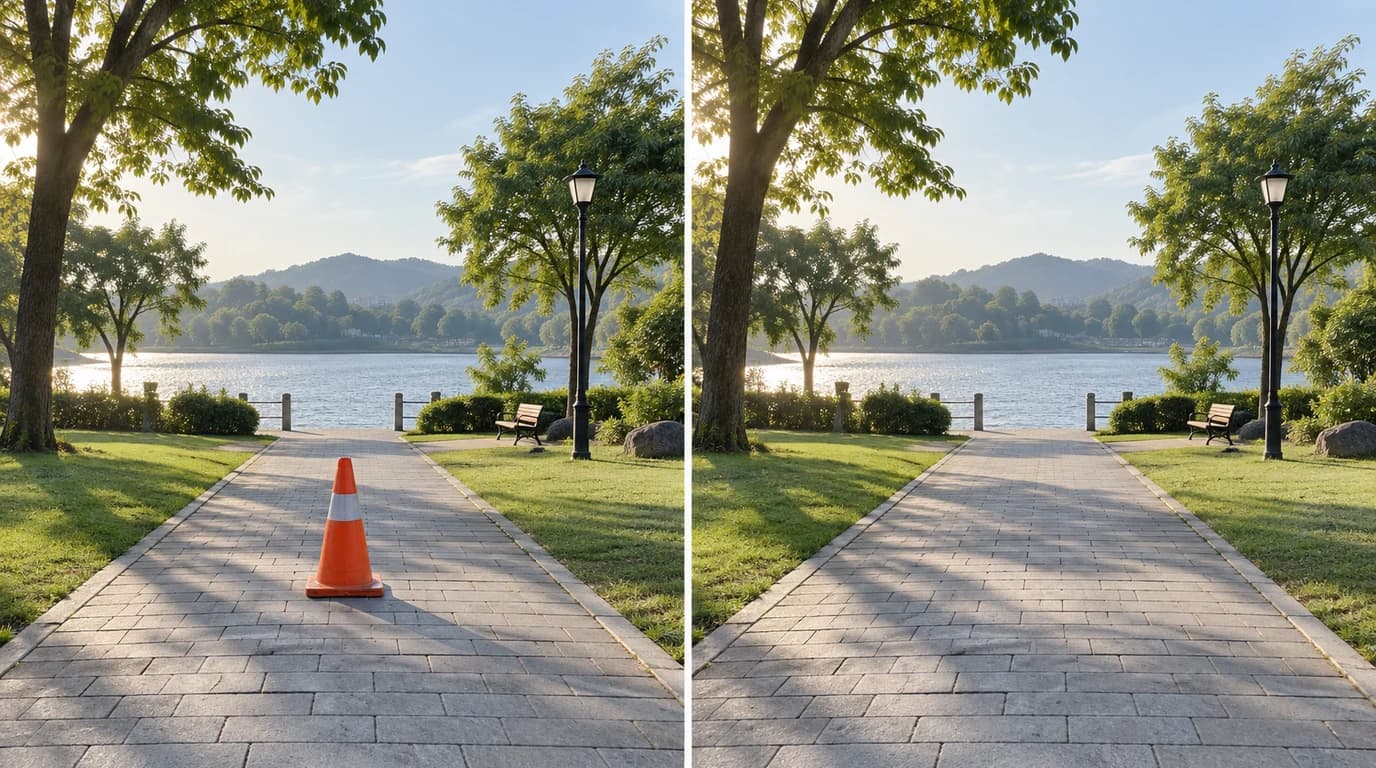
Travel and outdoor footage often includes passing people, temporary signs, or objects that interrupt the composition. Remove selected distractions to create cleaner clips for destination stories, lifestyle campaigns, and creator content while keeping the original scene as the basis of the edit.
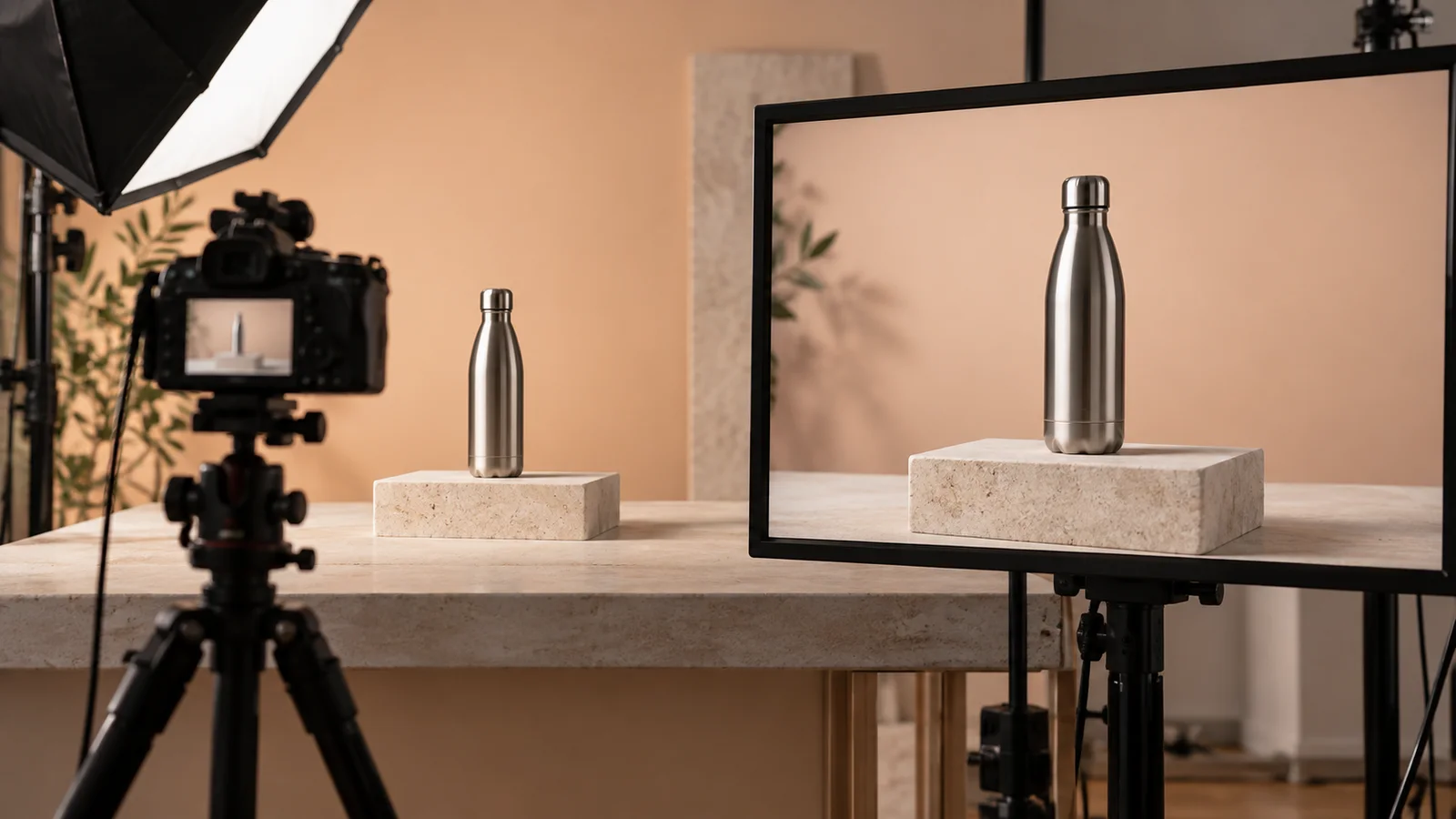
Brands and sellers can remove unwanted props or background clutter from product demonstrations and short marketing videos. This helps direct attention toward the product and gives content teams a way to reuse footage that would otherwise need an additional edit or a new recording.
Integration in 3 steps
Integrate the Remove Object Video Normal API into your existing workflow via Snapedit with just a few simple steps. No credit card required to start.
Create your Snapedit account in 30 seconds and receive free credits instantly. No credit card required.
Generate a globally valid Snapedit key with easy management from your dashboard.
Update your Base URL and API key to start calling Remove Object Video Normal with smart routing and cost optimization.
FAQ
Everything you need to know about using the Remove Object Video Normal API through Snapedit.
Explore other models you might find useful

Upscale and enhance video to HD or 2K with per-frame detail recovery and compression cleanup.

Upscale videos to 2K or 4K with Pro detail recovery and cleanup.

Generate a short video from a still image and motion prompt.

Create a talking-head video from a portrait image and audio track.