 SilverAI
Track selected objects through video and create aligned masks for editing and object removal.
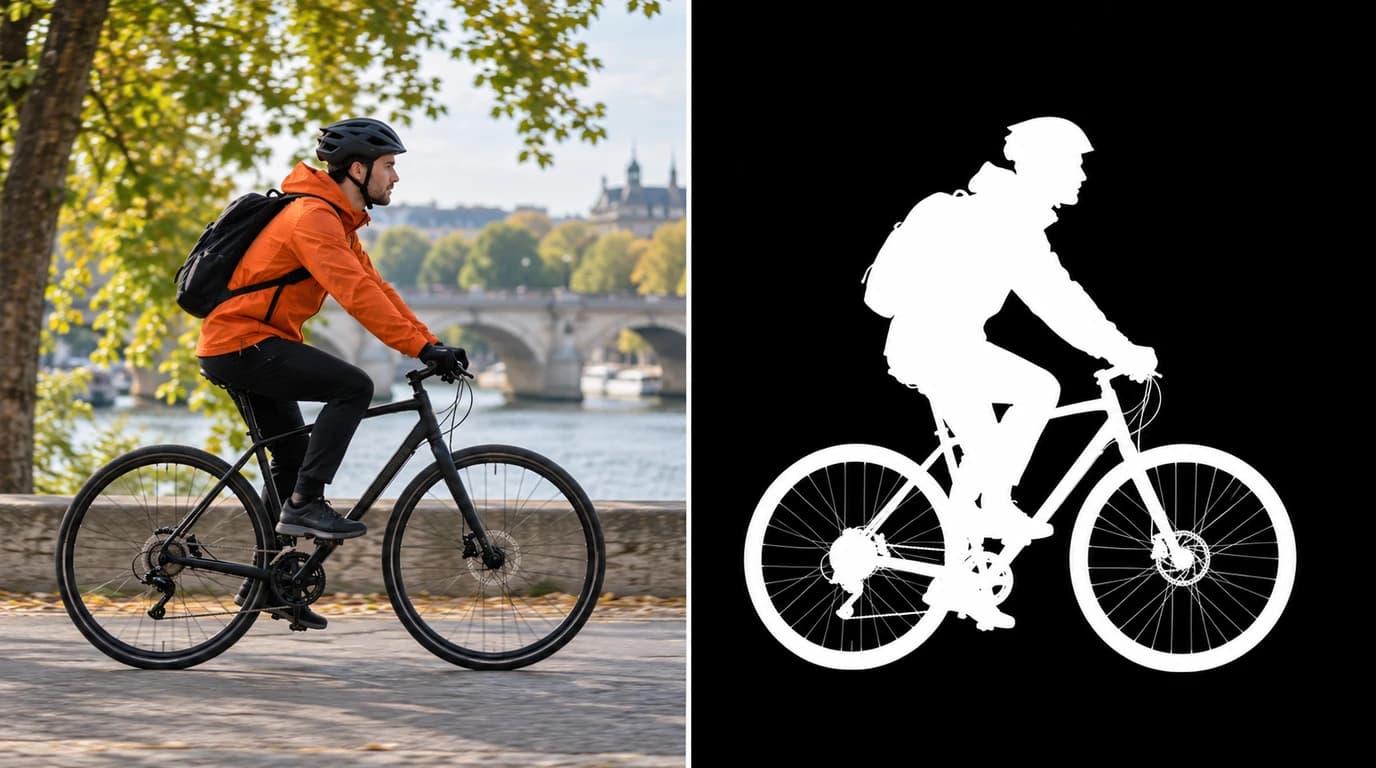
Object Track Video follows selected people and objects as they move through a video. Starting from a simple selection, it creates a mask that marks the subject across the footage, helping editors work on moving content without drawing a new selection for every frame. It can track up to 64 objects in one video, making it useful for scenes with several distractions or subjects to edit.
The resulting mask stays aligned with the original footage and identifies which areas belong to the selected objects. This provides a starting point for object removal and other local edits in video editors, creator tools, and media production workflows. Pair it with Remove Object Video Normal to select unwanted objects and remove them from the scene.
Moving-object tracking: Follows selected subjects as their position changes through the video.
Multiple-object selection: Tracks up to 64 selected objects in a single video.
Simple starting selections: Uses rectangular selections to identify the subjects you want to follow.
More precise outlines: Supports detailed starting masks when a rectangle includes too much surrounding content.
Aligned video masks: Keeps the mask matched to the source footage's dimensions and timing.
Removal preparation: Creates selections that can guide the next stage of video object removal.
Save up to 70% vs direct pricing
Aggregated volume discounts.
Video Object Tracking
Reduce repetitive selection work in editing tools, creator workflows, and video production.
An editor can select a person, vehicle, or other subject once and follow its movement through the footage. The resulting mask helps prepare local edits without manually outlining the same subject in every frame, saving time when working with moving content.
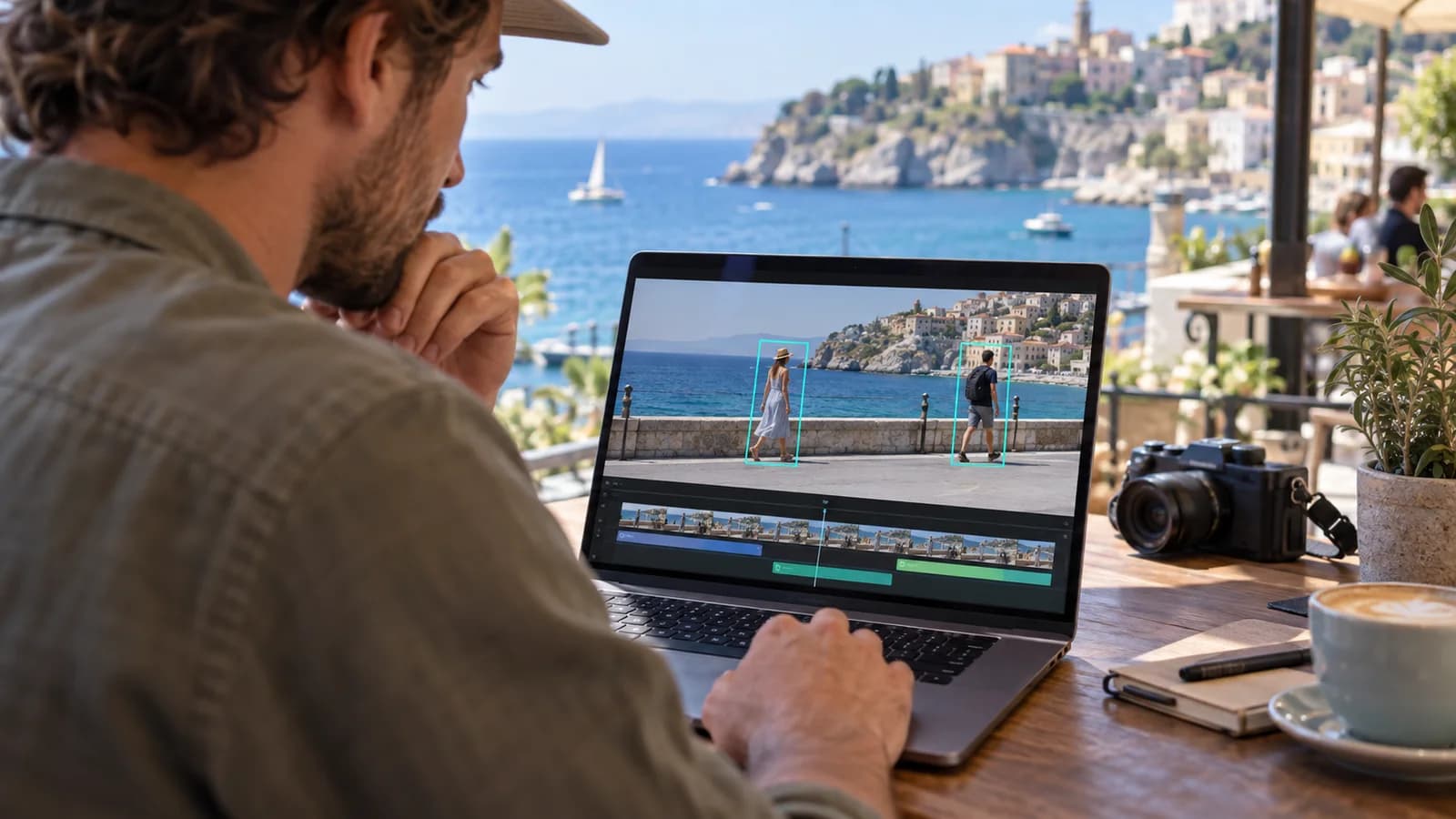
Passing pedestrians and moving distractions can pull attention away from the main subject of a clip. Tracking identifies the selected distractions throughout the scene so they can be removed in a later editing step, helping creators prepare footage for social posts, travel stories, and promotional content.
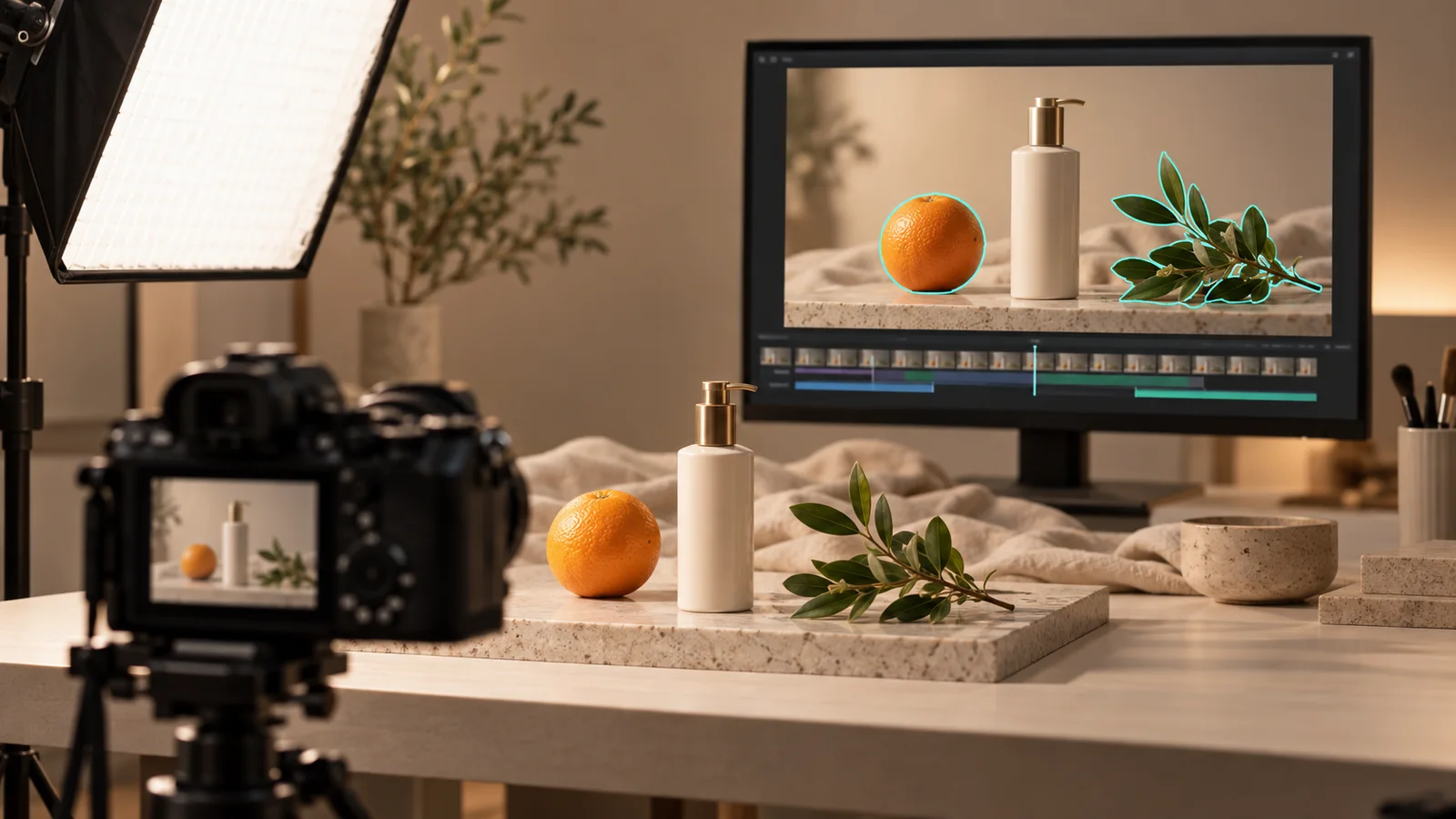
Production teams can track props, products, or background objects that need attention during an edit. Selecting several objects together makes it easier to prepare masks for a shot with multiple distractions and pass those selections into the next stage of post-production.
Integration in 3 steps
Integrate the Object Track Video API into your existing workflow via Snapedit with just a few simple steps. No credit card required to start.
Create your Snapedit account in 30 seconds and receive free credits instantly. No credit card required.
Generate a globally valid Snapedit key with easy management from your dashboard.
Update your Base URL and API key to start calling Object Track Video with smart routing and cost optimization.
FAQ
Everything you need to know about using the Object Track Video API through Snapedit.
Explore other models you might find useful

Upscale and enhance video to HD or 2K with per-frame detail recovery and compression cleanup.

Upscale videos to 2K or 4K with Pro detail recovery and cleanup.

Generate a short video from a still image and motion prompt.

Create a talking-head video from a portrait image and audio track.