 SilverAI
Generate a short video from a still image and motion prompt.
Image to Video is SilverAI's generative video model for turning a still image into a short, directed motion sequence. A natural-language prompt controls subject movement, environmental motion, and camera behavior while the source image anchors the scene's composition, identity, and visual style.
The public workflow has dedicated image-to-video endpoints even though it shares an internal checkpoint with Talking Head. Request a signed image upload URL, upload the source image, submit a prompt and optional duration, then poll until the MP4 result is ready. The default duration is four seconds, with a single base charge covering videos up to eight seconds.
Still-image animation: Creates natural motion from a single source image.
Prompt-directed movement: Controls subject action, atmosphere, and camera behavior using text.
Source identity preservation: Keeps the principal subject and composition recognizable across frames.
Flexible clip duration: Generates four seconds by default and supports longer configured clips.
Dedicated public workflow: Uses separate image-to-video upload, task, and status endpoints.
Asynchronous generation: Polling supports long-running video synthesis without open connections.
Save up to 70% vs direct pricing
Aggregated volume discounts.
Use Cases
Extend the value of existing photography by generating short cinematic clips for products, campaigns, creator tools, and visual storytelling.
Travel platforms, publishers, and creator applications can add ripples, mist, subject movement, or subtle camera motion to a strong still photograph. This creates engaging video assets while preserving the source composition and visual identity.
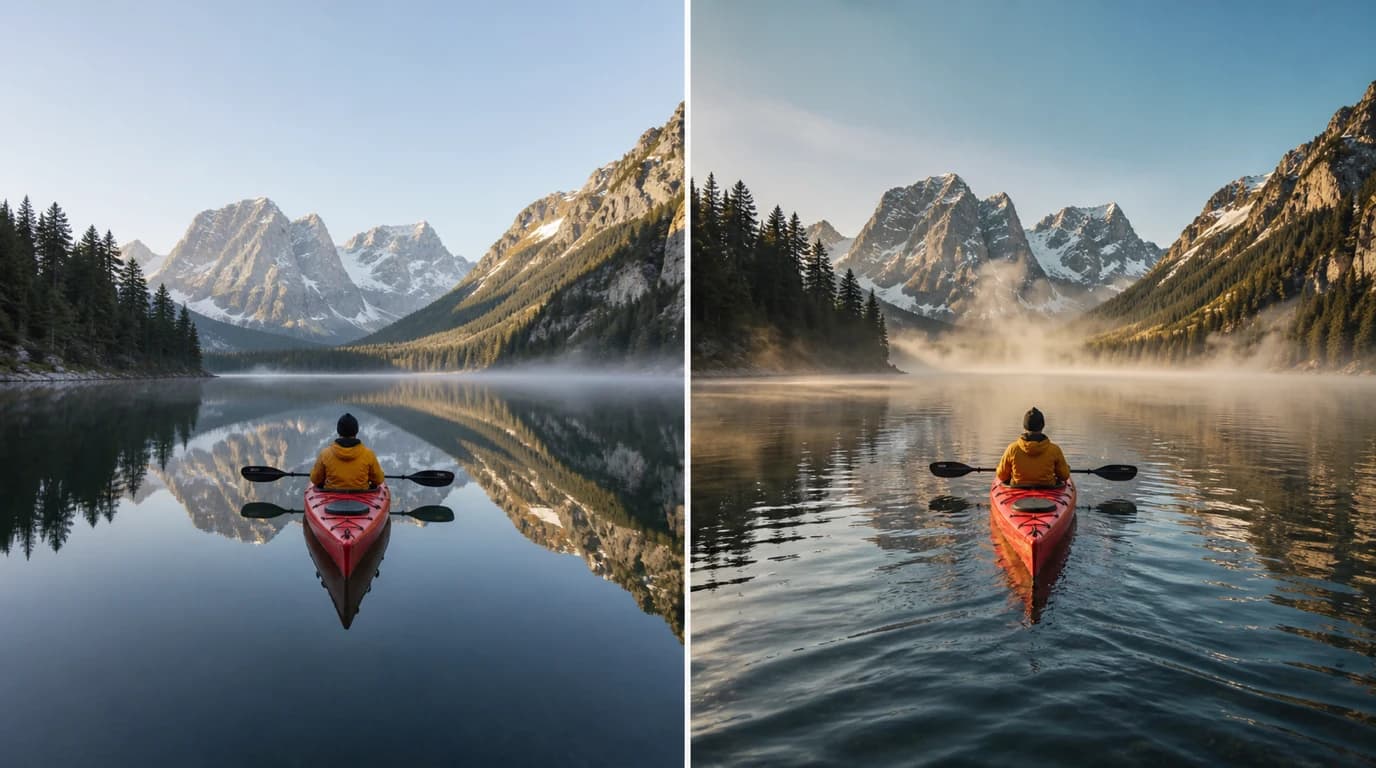
Commerce and advertising teams can transform polished product photography into cinematic short-form video without organizing another shoot. Motion prompts can introduce atmospheric effects, controlled camera movement, and product-focused action for ads and landing pages.

Social platforms and content automation products can generate motion variations from approved still assets, helping teams publish more video while keeping brand imagery consistent. The API also enables rapid concept testing before committing to larger production budgets.
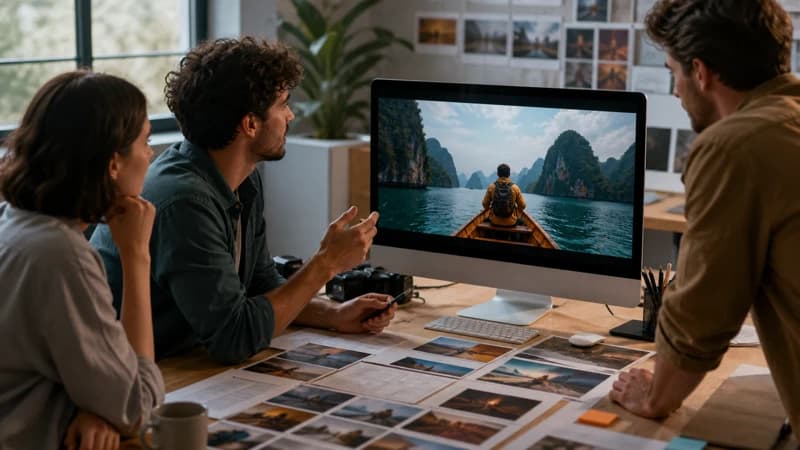
Integration in 3 steps
Integrate the Image to Video API into your existing workflow via Snapedit with just a few simple steps. No credit card required to start.
Create your Snapedit account in 30 seconds and receive free credits instantly. No credit card required.
Generate a globally valid Snapedit key with easy management from your dashboard.
Update your Base URL and API key to start calling Image to Video with smart routing and cost optimization.
FAQ
Everything you need to know about using the Image to Video API through Snapedit.
Explore other models you might find useful

Upscale and enhance video to HD or 2K with per-frame detail recovery and compression cleanup.

Upscale videos to 2K or 4K with Pro detail recovery and cleanup.

Create a talking-head video from a portrait image and audio track.

Remove video backgrounds and export a transparent WebM foreground or MP4 mask.