 SilverAI
Higher-quality video object removal for general and complex scenes, with detailed background reconstruction.
Remove Object Video Pro removes selected people and objects from footage with a focus on the quality of the finished scene. It reconstructs the area behind unwanted content with attention to surrounding textures, lighting, and detail, helping editors clean up a shot while retaining its original composition. Pro gives better output quality in both general scenes and complex cases, from everyday distractions to objects covering patterned surfaces or detailed backgrounds.
Use Pro when the final result matters for a campaign, a client delivery, or a carefully composed film. A matching object mask identifies the areas to remove, including subjects that move through the footage. Remove Object Video Normal offers a lower-cost option for routine cleanup, while Pro is the choice for more demanding reconstruction and a more polished finish.
Higher-quality cleanup: Improves object removal results in both general footage and complex scenes.
Detailed background reconstruction: Rebuilds selected areas with attention to the surrounding surfaces and scene structure.
Consistency across frames: Helps reconstructed content remain coherent as the video plays.
Precise object selection: Uses a matching mask to identify the unwanted people or objects.
Moving-subject removal: Handles selected content that changes position through the footage.
Flexible mask preparation: Works with masks prepared through object tracking or an existing editing workflow.
Save up to 70% vs direct pricing
Aggregated volume discounts.
Higher-Quality Video Cleanup
Clean up commercial content, detailed location footage, and professional video edits.
An unwanted person or object can distract from an otherwise carefully composed shot. Pro helps creative teams clean up selected content for lifestyle campaigns, travel promotions, and branded videos when the quality of the finished scene is a priority.
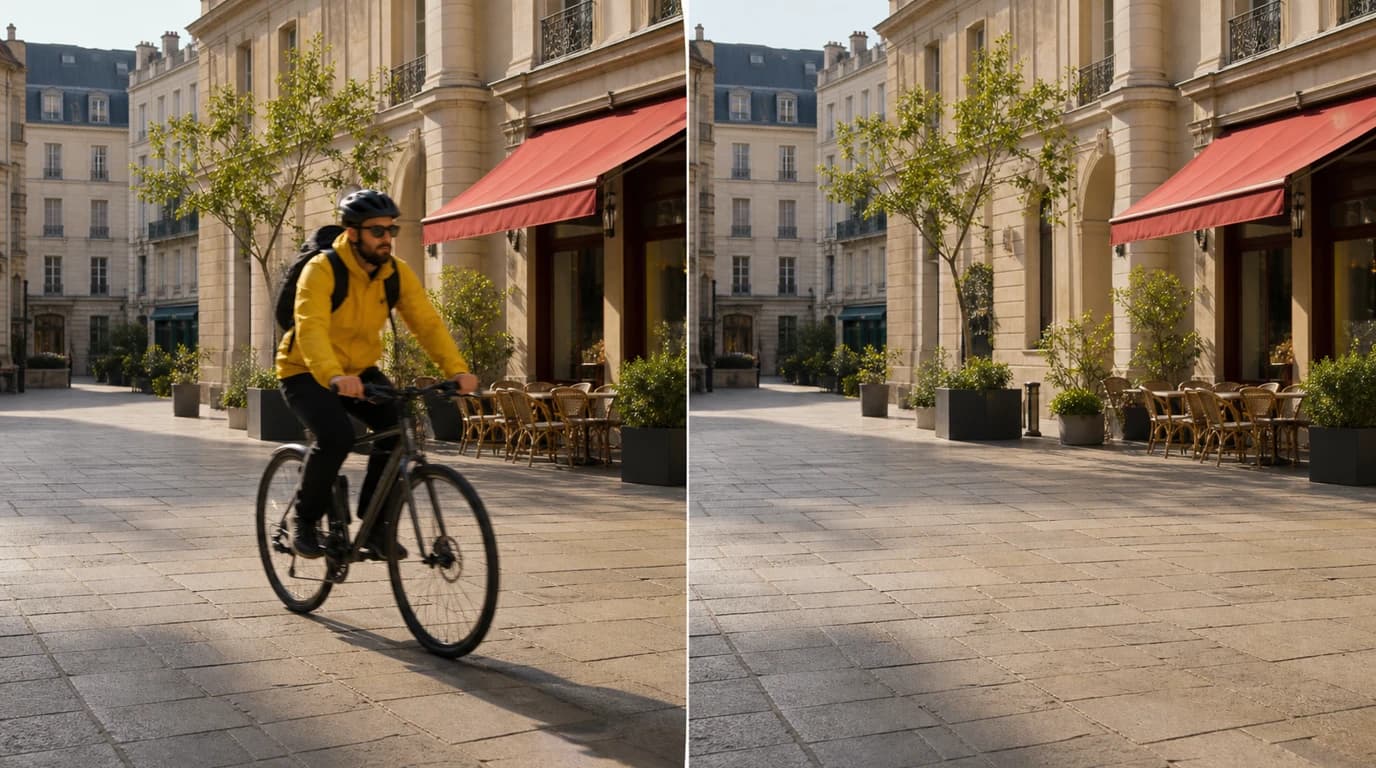
Architectural and destination footage often contains patterned paving, textured walls, greenery, and furniture that need to remain convincing after an edit. Pro is suited to removing selected distractions from these detailed settings, helping production teams prepare location footage for property films, travel stories, and promotional projects.
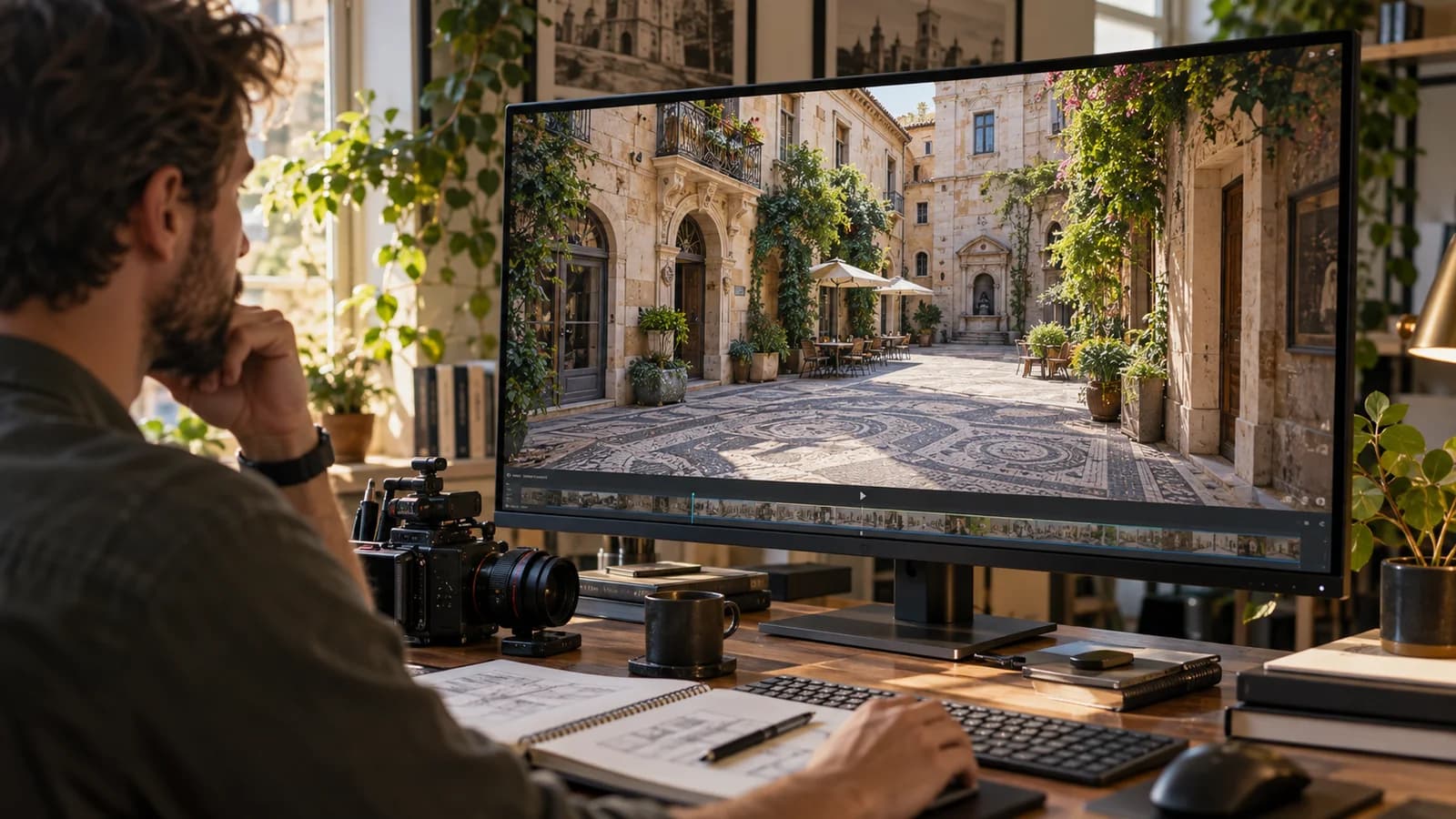
Post-production teams can remove stray props, unwanted background subjects, or other selected distractions before delivering a film or branded-content edit. Pro provides a quality-focused cleanup step for footage that will be reviewed closely by clients or shown as part of a polished final production.
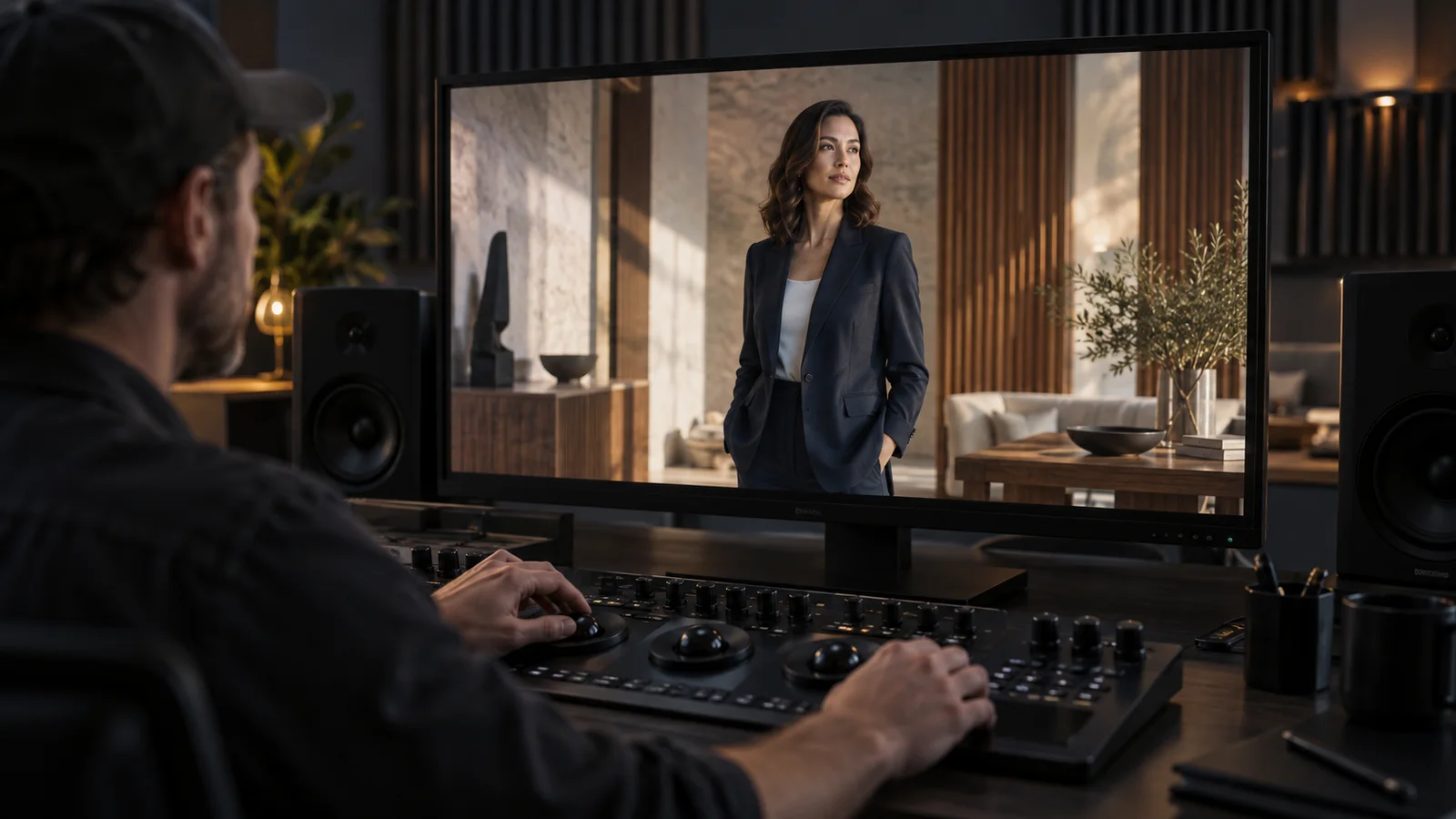
Integration in 3 steps
Integrate the Remove Object Video Pro API into your existing workflow via Snapedit with just a few simple steps. No credit card required to start.
Create your Snapedit account in 30 seconds and receive free credits instantly. No credit card required.
Generate a globally valid Snapedit key with easy management from your dashboard.
Update your Base URL and API key to start calling Remove Object Video Pro with smart routing and cost optimization.
FAQ
Everything you need to know about using the Remove Object Video Pro API through Snapedit.
Explore other models you might find useful

Upscale and enhance video to HD or 2K with per-frame detail recovery and compression cleanup.

Upscale videos to 2K or 4K with Pro detail recovery and cleanup.

Generate a short video from a still image and motion prompt.

Create a talking-head video from a portrait image and audio track.