 SilverAI
Upscale videos to 2K or 4K with Pro detail recovery and cleanup.
Video Enhance Pro is SilverAI's premium AI video upscaling model for demanding production workflows. It increases source footage to 2K (up to 2560 px) or 4K (up to 3840 px), recovering fine texture, improving edge definition, and cleaning compression artifacts across every frame while preserving natural color and motion consistency.
The API uses an asynchronous upload-and-poll workflow built for large media files: request a signed upload URL, upload the source video directly, create an enhancement task, and poll until the MP4 download URL is ready. An optional preview mode processes the first three seconds so teams can evaluate the chosen resolution before running the complete video.
2K & 4K upscaling: Produces high-resolution output for modern displays and delivery platforms.
Premium detail reconstruction: Recovers texture in faces, landscapes, products, and fine scene elements.
Frame-consistent enhancement: Maintains stable sharpness, color, and visual character throughout motion.
Compression artifact cleanup: Reduces blocking, ringing, softness, and noise from compressed sources.
Three-second preview mode: Tests enhancement quality and output resolution before a full render.
Production-ready async workflow: Signed uploads and polling support long-running jobs without open connections.
Save up to 70% vs direct pricing
Aggregated volume discounts.
Use Cases
Upgrade important footage to 2K or 4K while preserving natural detail and maintaining consistent quality across every frame.
Media teams can use preview mode to process the first three seconds and compare resolution targets before committing credits to a full video. This supports reliable quality reviews for client work, premium exports, and automated pipelines with different delivery requirements.

Video editing applications, creator tools, and cloud render platforms can offer Pro enhancement directly inside their export workflow. Users receive cleaner 2K or 4K footage without manually configuring denoising, sharpening, and frame-by-frame restoration tools.
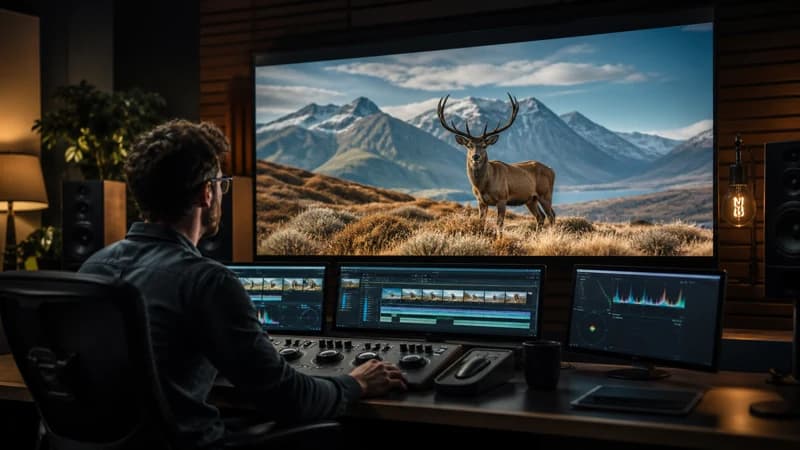
Studios, broadcasters, museums, and media owners can prepare older or heavily compressed assets for modern displays and distribution. The API makes large-scale enhancement practical through direct uploads, asynchronous processing, and download-ready results.

Integration in 3 steps
Integrate the Video Enhance Pro API into your existing workflow via Snapedit with just a few simple steps. No credit card required to start.
Create your Snapedit account in 30 seconds and receive free credits instantly. No credit card required.
Generate a globally valid Snapedit key with easy management from your dashboard.
Update your Base URL and API key to start calling Video Enhance Pro with smart routing and cost optimization.
FAQ
Everything you need to know about using the Video Enhance Pro API through Snapedit.
Explore other models you might find useful

Upscale and enhance video to HD or 2K with per-frame detail recovery and compression cleanup.

Generate a short video from a still image and motion prompt.

Create a talking-head video from a portrait image and audio track.

Remove video backgrounds and export a transparent WebM foreground or MP4 mask.