API Reference
Edit image with AI prompt
Edit an image using natural language prompts powered by the Qwen-Image-Edit model. Use editing for general image edits and inpaint when editing a selected masked region.
Model:
general-edit-of-qwen-image-editinpaint-of-qwen-image-editCredit:12
post
/v1/images/editsAuthorization — This endpoint requires an API key. Pass it in the api-key header on every request. Learn more
Thời gian xử lý trung bình
Cho mỗi yêu cầu.
- Thời gian xử lý
- ≈ 6,35 giây
Yêu cầu đầu vào
Hình ảnh
- Định dạng
- JPEG, PNG, WEBP
- Độ phân giải tối đa
- 3000 × 3000 px
Parameters
| Name | Type | Status | Description |
|---|---|---|---|
input_image | file | Required | Image file or URL to edit. |
prompt | string | Required | Natural language editing instruction. |
mode | string | Required | Editing mode. Use inpaint with input_mask.editinginpaint |
input_mask | file | Optional | Mask image file or URL for inpaint mode. |
Responses
Image edited successfullySingleImageResponse
| Field | Type | Description |
|---|---|---|
created | integer | Unix timestamp of when the response was created |
data | object[] | |
url | string | URL to download the result image |
curl -X POST "https://api.snapedit.app/v1/images/edits" \
  -H "api-key: YOUR_API_KEY" \
  -F "input_image=@./image.jpg" \
  -F "prompt=value" \
  -F "mode=editing" \
  -F "input_mask=@./image.png"
Response
{
  "created": 1745827200,
  "data": [
    {
      "url": "https://outputs.snapedit.app/outputs/abc123.png"
    }
  ]
}
Examples (2 examples)
Prompt
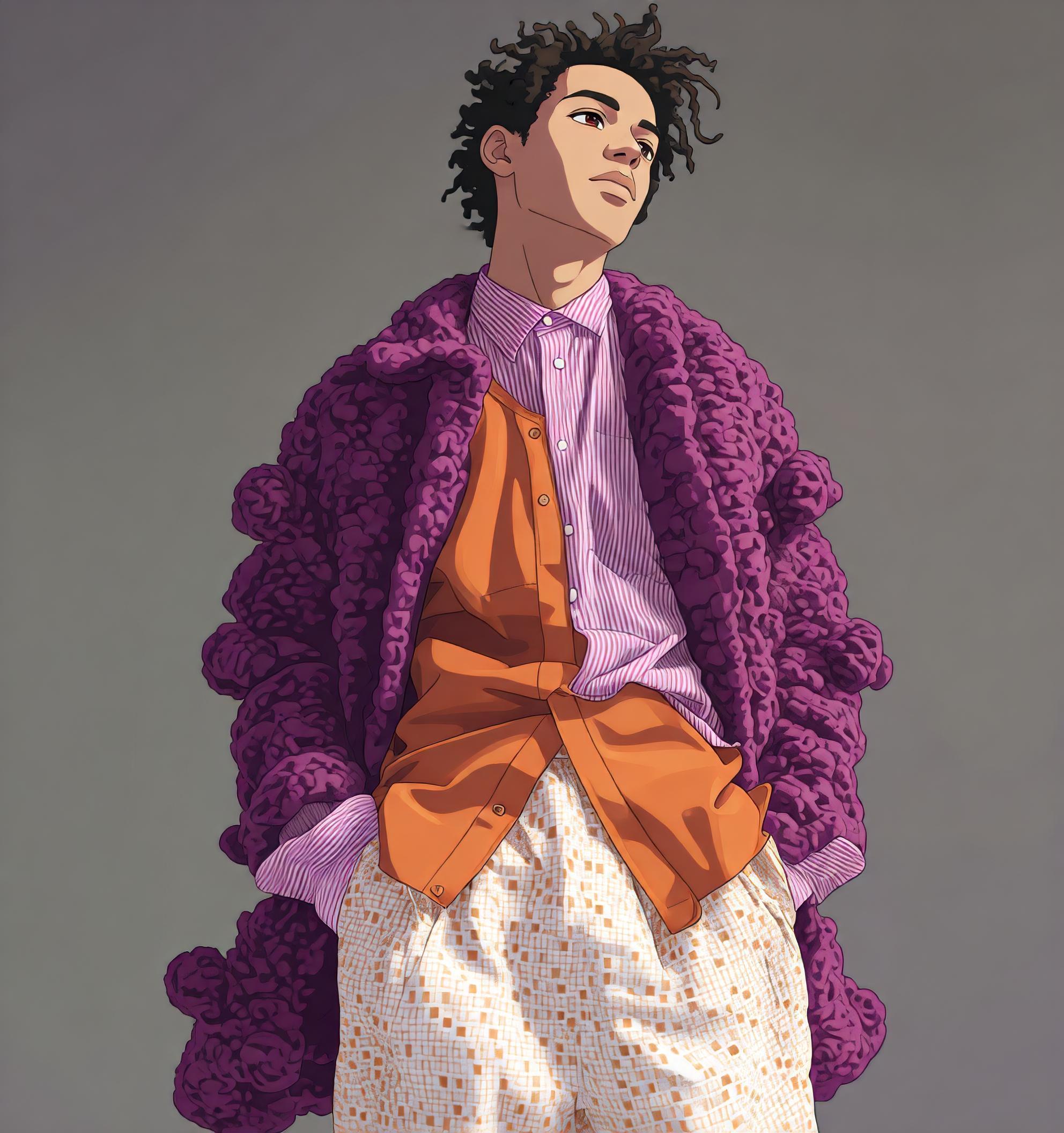
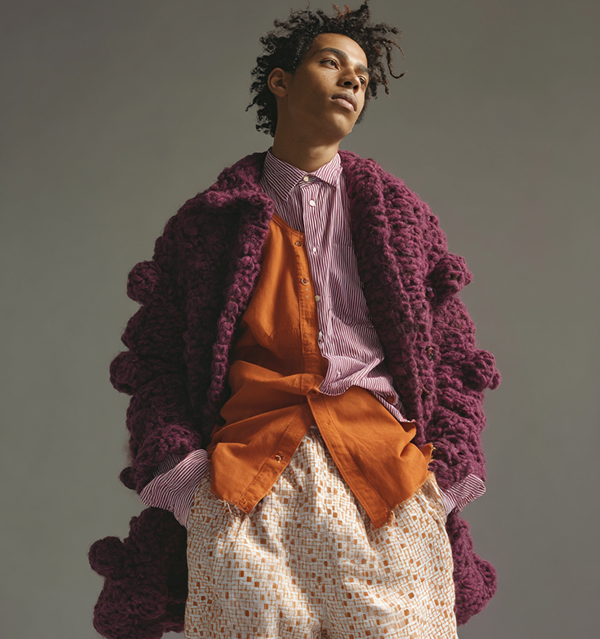
“transform the image into anime style”
Input
Output