 SilverAI
Change portrait hairstyles using a preset or a reference image, with output matching the input dimensions.
Hairstyle Transfer Pro changes a person's hairstyle in a portrait using a preset haircut or a reference hairstyle photo. Start with an RGB portrait and choose one of 29 presets, or supply a reference image for the look you want to explore. The result is an RGB image with the same dimensions as the original portrait.
Use it in personal styling tools, salon consultations, and beauty content workflows. Compared with the existing preset-based Hairstyle Transfer model, Pro uses a more powerful model to produce more realistic, visually appealing hairstyles and adds support for portrait reference images. Pro costs 7 credits per image rather than 3. A digital preview helps people discuss a look; review the generated image before presenting or publishing it.
Preset hairstyles: Choose from 29 styles, including bob cuts, braids, curls, and layered looks.
Reference-image styling: Supply a hairstyle photo instead of choosing a preset.
Portrait editing: Explore a different hairstyle using a person's existing portrait.
Matching image dimensions: Receive an image with the same width and height as the original portrait.
RGB output: Use the resulting color image in portrait galleries and editing workflows.
Fixed image pricing: Each processed image costs 7 credits in either input mode.
Save up to 70% vs direct pricing
Aggregated volume discounts.
Portrait Hairstyle Previews
Use a portrait as the starting point for comparing haircuts, discussing styling ideas, and planning creative content.
Personal styling tools can show a portrait alongside a new hairstyle so people can discuss the difference. This supplied example shows the bobcut preset. Generate additional looks separately to build a comparison gallery.
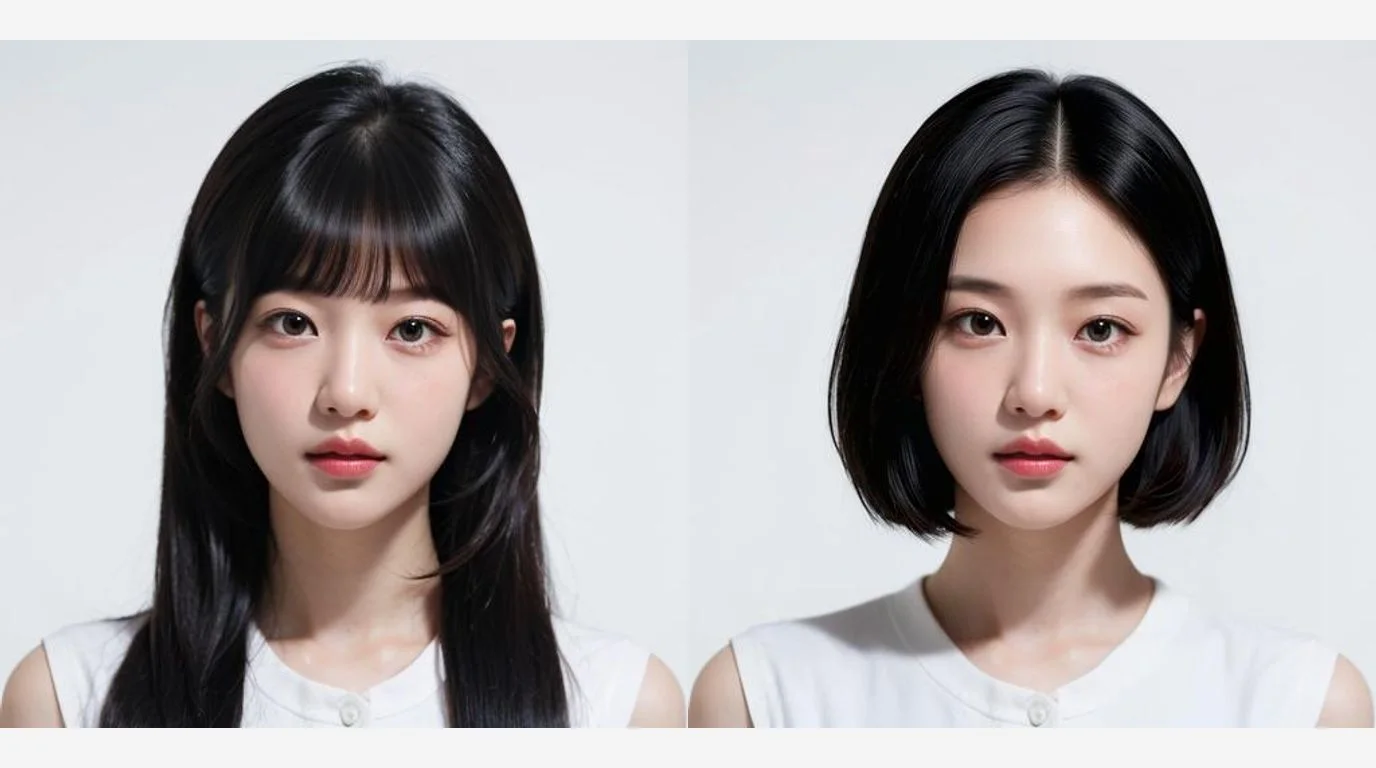
Left to right: Original → Reference → Result. This supplied example shows the original portrait, the reference hairstyle photo, and the actual reference-based output. A reference photo replaces the preset selection.
Clients can bring a hairstyle photo to guide a conversation with their stylist. A reference-based portrait preview offers a shared visual starting point alongside a professional assessment of hair texture, length, and maintenance.
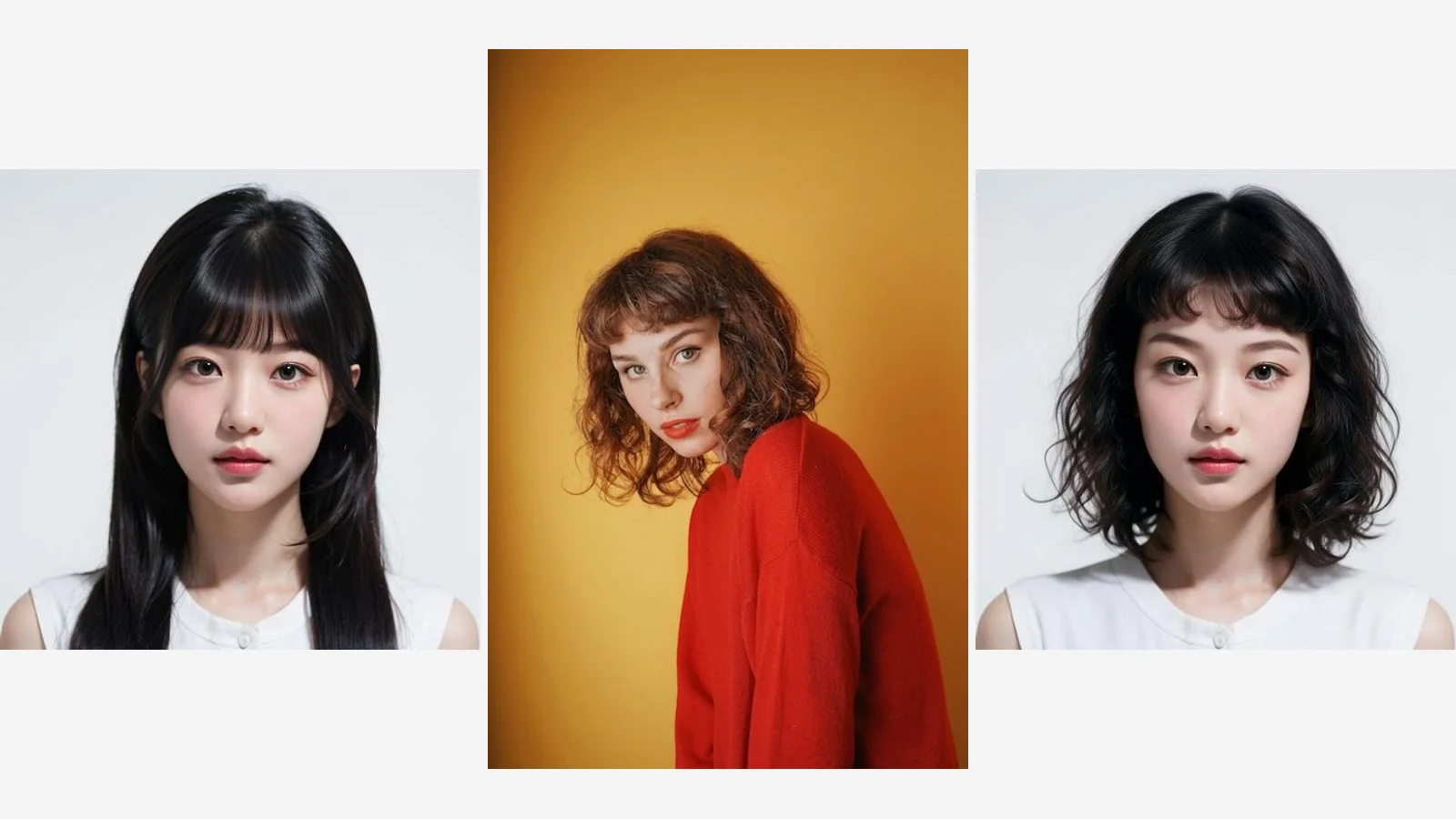
Creators and photo editors can explore haircuts while planning a beauty story or portrait series. The output keeps the original portrait dimensions for use in existing layouts. Review each image before publishing; this illustration depicts the creative workflow.

Integration in 3 steps
Integrate the Hairstyle Transfer Pro API into your existing workflow via Snapedit with just a few simple steps. No credit card required to start.
Create your Snapedit account in 30 seconds and receive free credits instantly. No credit card required.
Generate a globally valid Snapedit key with easy management from your dashboard.
Update your Base URL and API key to start calling Hairstyle Transfer Pro with smart routing and cost optimization.
FAQ
Everything you need to know about using the Hairstyle Transfer Pro API through Snapedit.
Explore other models you might find useful

Remove blemishes and skin imperfections for flawless portrait retouching.

Transform the hairstyle in a portrait using a chosen reference style.

Change hair color in an image with 19 color choices and an output matching the input dimensions.

Apply a selected makeup style to all faces in an image.