 SilverAI
Change hair color in an image with 19 color choices and an output matching the input dimensions.
Hair Color changes the hair color of a person in an image, not just a portrait. Give it a photo and choose from 19 supported colors, ranging from brown and copper to pink, green, and indigo. It returns an RGB image with the same dimensions as the original photo.
Use it to explore a new look, support a salon consultation, or prepare portraits for beauty content. A separate hair mask is not required. The result is a digital preview rather than a prediction of how a particular dye will look on real hair; review each output before using it in a consultation or publishing it.
Hair recoloring: Change a person's hair color in a still image.
19 color choices: Explore natural shades and more expressive colors from a fixed palette.
Mask-free input: Start with an ordinary RGB image without drawing a separate hair mask.
Matching image dimensions: Receive an output with the same width and height as the input.
RGB output: Get a recolored image for use in photo galleries and editing workflows.
Fixed image pricing: Each processed image costs 7 credits, regardless of the selected color.
Save up to 70% vs direct pricing
Aggregated volume discounts.
Portrait Color Previews
Turn a portrait into a starting point for color exploration, creative editing, and conversations about a new look.
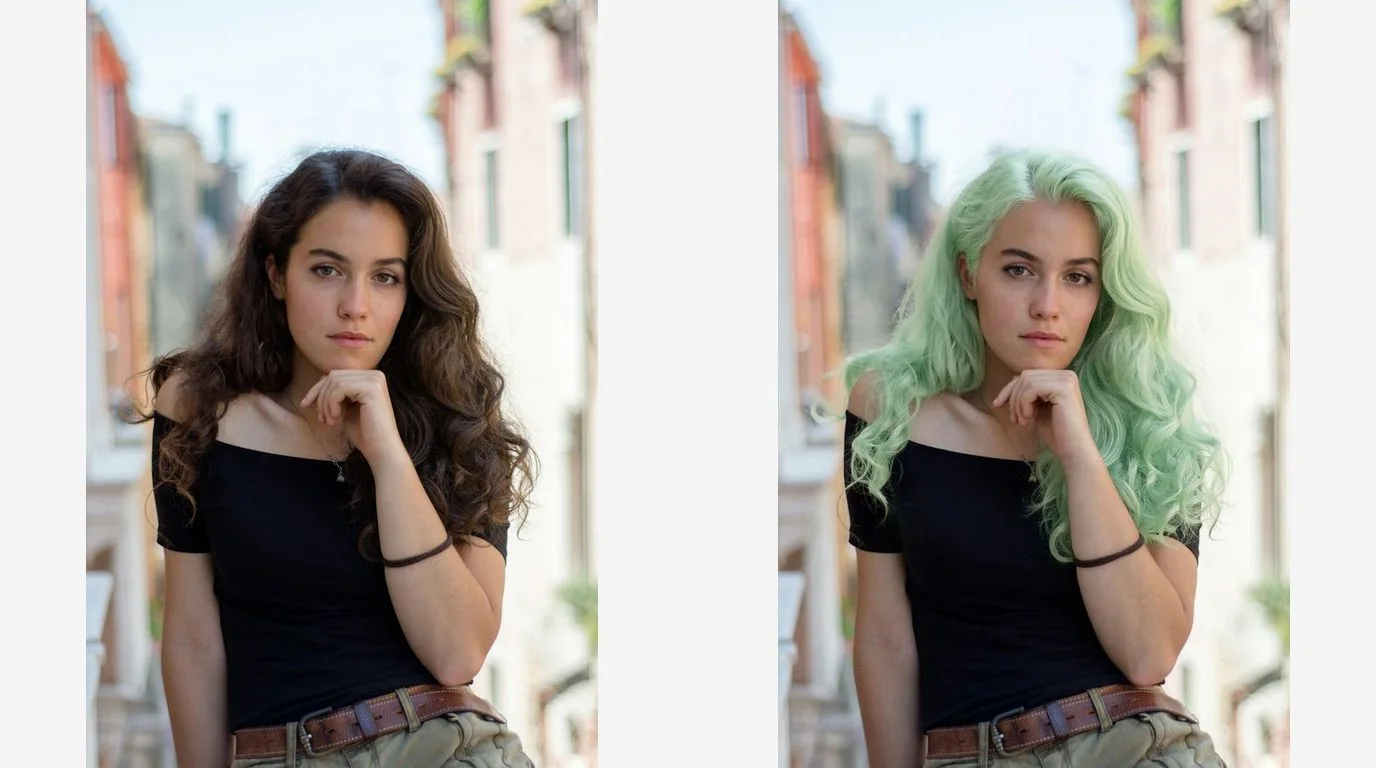
Photo editors and personal styling tools can help people compare their original portrait with a new hair color. The supplied example shows a green selection. Generate each additional color as a separate image so users can review the options side by side.
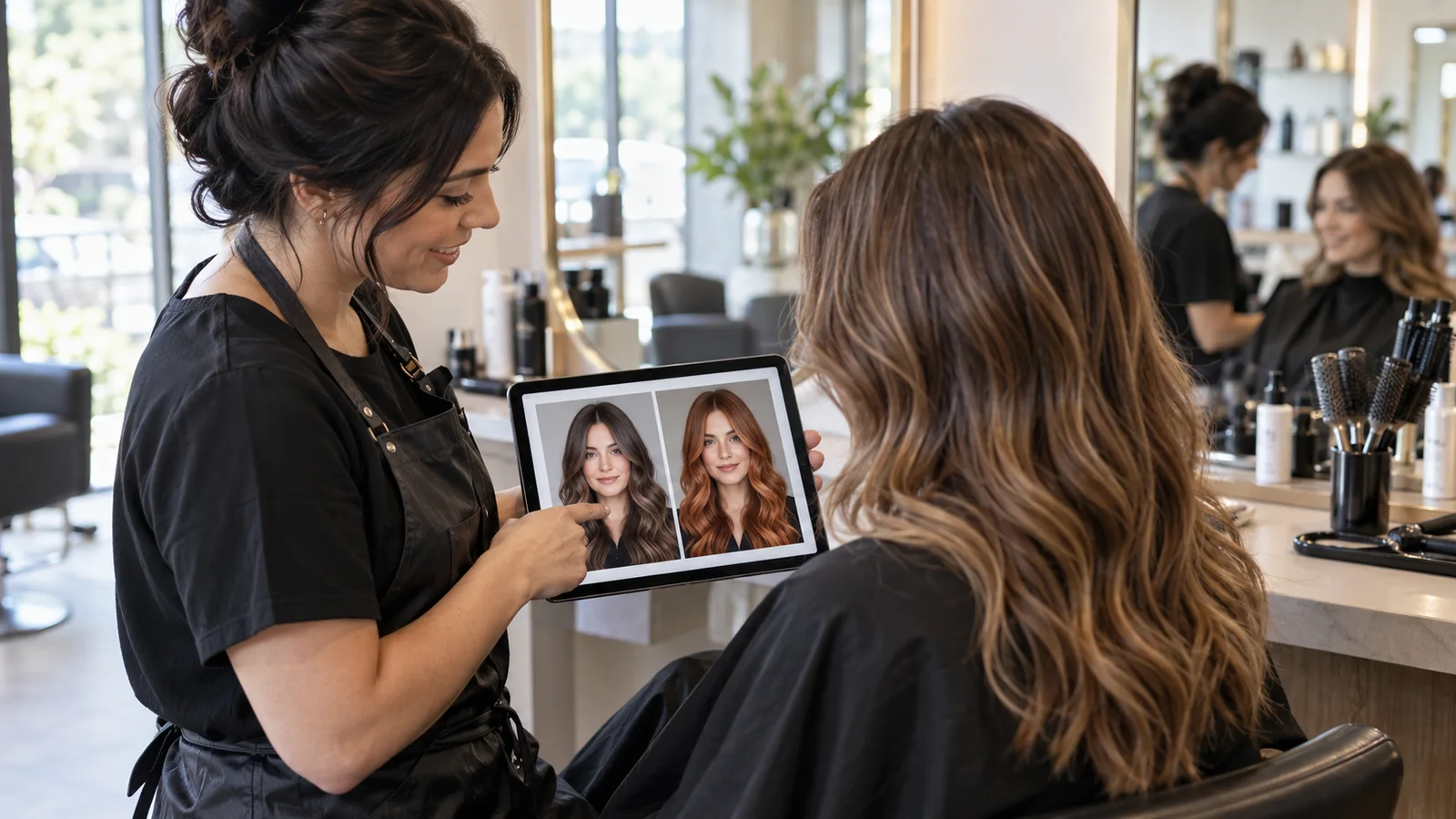
Stylists can use portrait previews to discuss whether a client prefers a warm shade, a dark tone, or a more expressive color. Use the preview to guide the conversation alongside the client's hair condition and a professional color assessment. This contextual illustration does not represent a measured API output.
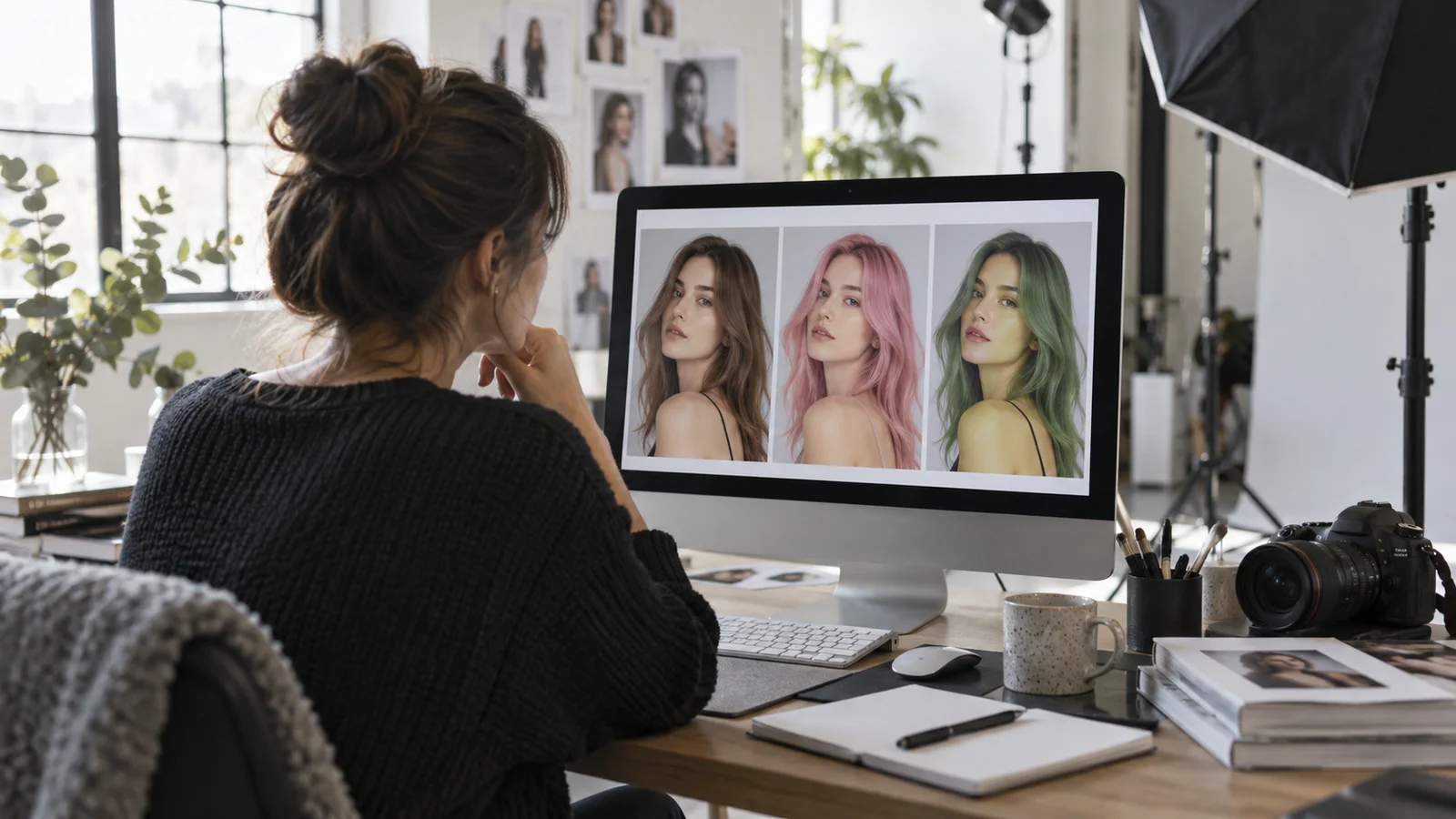
Content teams can explore hair color variations while planning a beauty story or updating a portrait gallery. The matching output dimensions help keep images consistent in an existing layout. Review the result before publishing; the contextual illustration shows a creative workflow rather than an API benchmark.
Integration in 3 steps
Integrate the Hair Color API into your existing workflow via Snapedit with just a few simple steps. No credit card required to start.
Create your Snapedit account in 30 seconds and receive free credits instantly. No credit card required.
Generate a globally valid Snapedit key with easy management from your dashboard.
Update your Base URL and API key to start calling Hair Color with smart routing and cost optimization.
FAQ
Everything you need to know about using the Hair Color API through Snapedit.
Explore other models you might find useful

Remove blemishes and skin imperfections for flawless portrait retouching.

Transform the hairstyle in a portrait using a chosen reference style.

Apply a selected makeup style to all faces in an image.

Detect bounding boxes & masks for 353 object types with high accuracy.